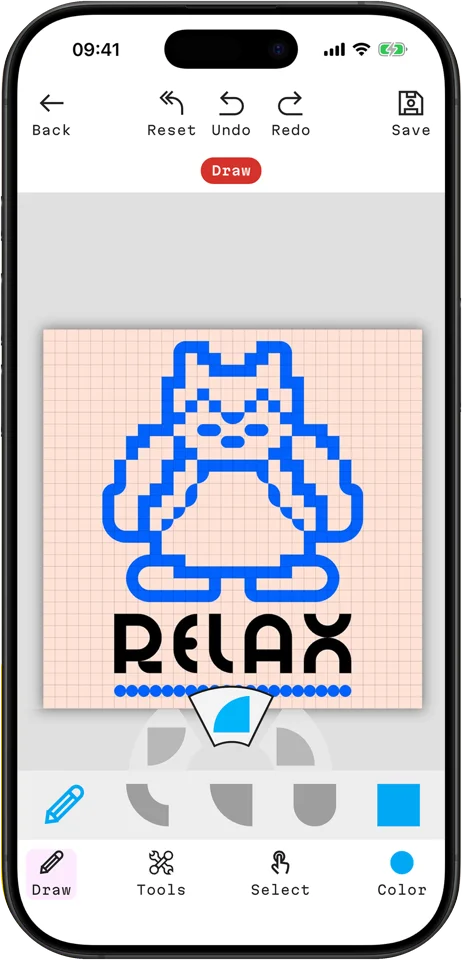
Built-in blox shapes
Draw with the exact five shapes that come in the kit, so every design on screen can be built on the baseplate.
 FREE APP · iPHONE, iPAD & ANDROID
The official inkBlox app helps you plan, edit and manage your pixel designs — then bring them to life with the inkBlox printmaking kit.
GET THE APP — FREE On a computer? Scan a QR code with your phone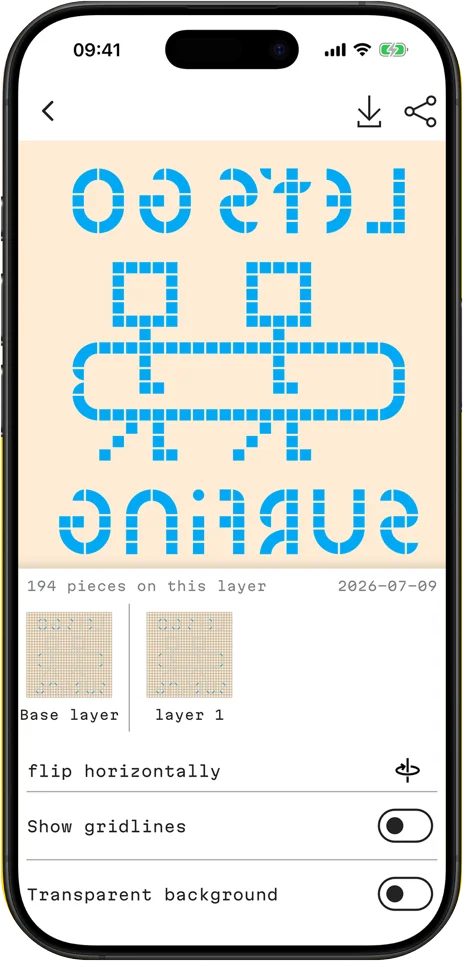
Every tool in the app is built around how inkBlox printing actually works — the same shapes, the same grid, the same flipped result.
Draw with the exact five shapes that come in the kit, so every design on screen can be built on the baseplate.
Add pixel lettering, draw straight lines and mirror horizontally or vertically. Undo, redo and save as you go.
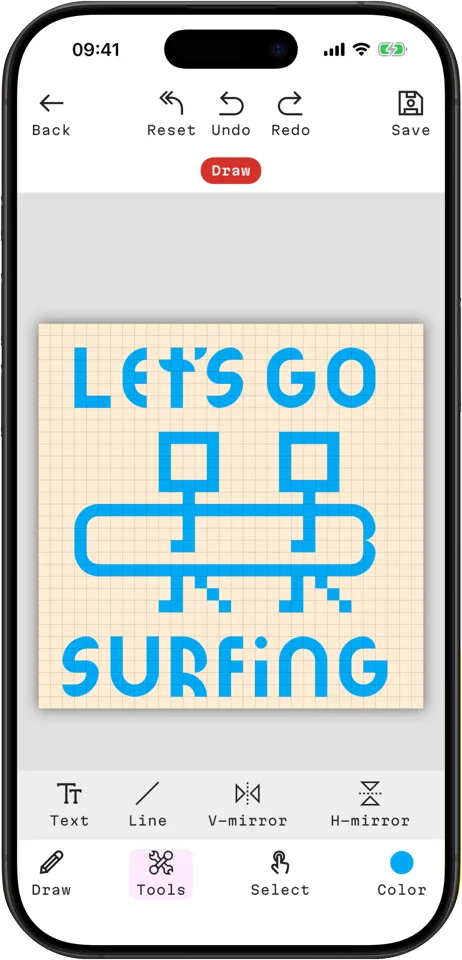
Prints come out reversed. Flip your design to see exactly how it will look on paper — no more backwards letters.
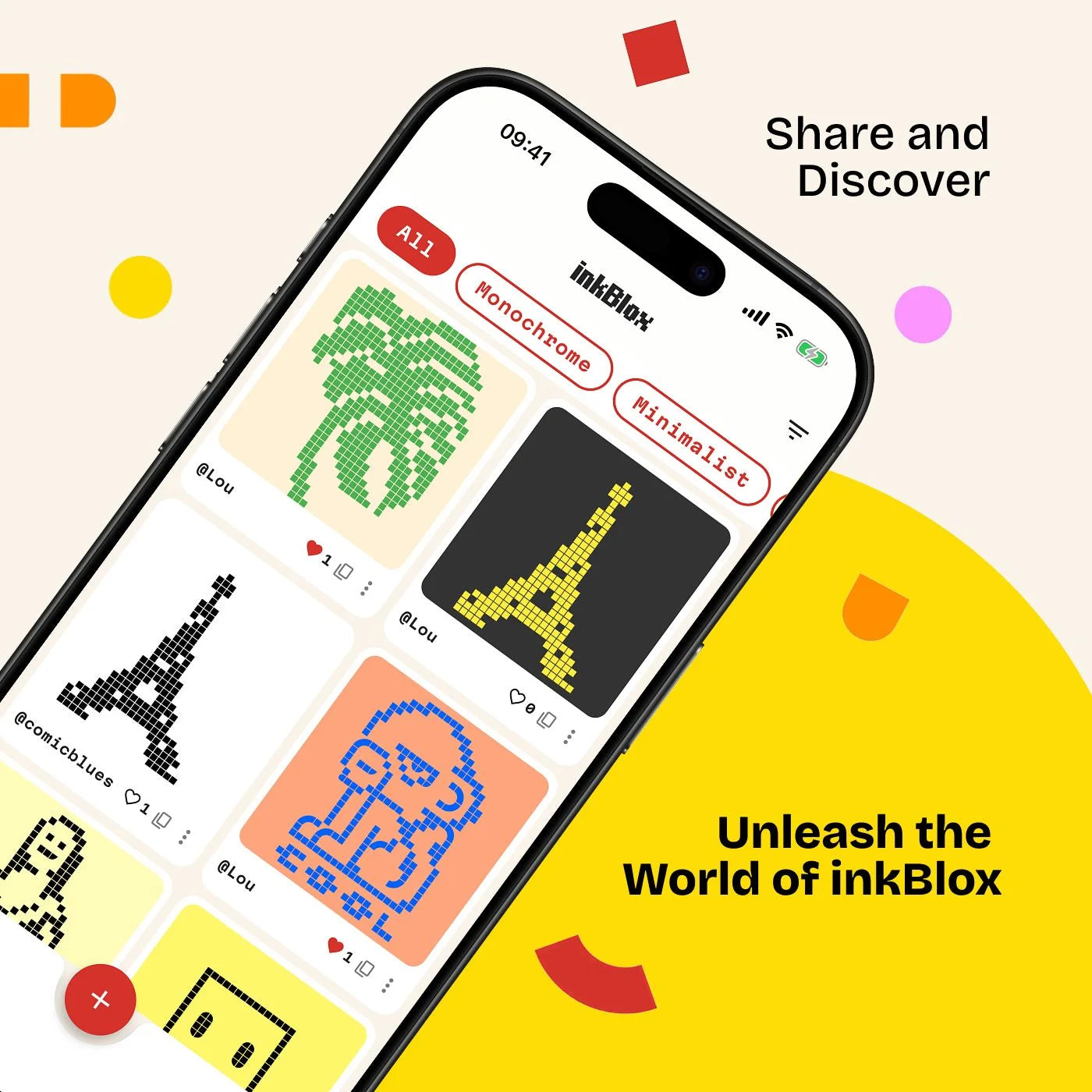
Post your designs to the community feed, browse by style — like Monochrome or Minimalist — and like the prints that inspire your next one.
The app is the planning step. The kit does the printing.
Sketch your idea on the grid with the same blox shapes that are in the box.
Copy the design onto the baseplate. Check the mirror view so text reads the right way round.
Roll out the ink, press your paper down and peel back to reveal your print.
Free to download. Point your phone camera at the code for your device and tap the link that appears.
Free on iPhone, iPad and Android.

